Batch Photo Editing Studio
A batch photo editor for standardizing up to 100 main product photos with one shared set of rules.
How batch photo editing works.
Upload one main image per product, then apply the same marketplace preset, output format, framing, and file-naming rule across the batch.
Start batch editing with one main image
Keep alternate views in a separate batch so every uploaded file has one clear product role.
Create one batch photo result per source
A batch of 50 uploaded images produces 50 standardized outputs, not extra variations.
Review batch photo editor settings
Confirm the preset, output format, file names, and any custom overrides before credits are used.
Batch photo editor questions.
What does Batch Photo Editing Studio change?
It applies one selected set of background, canvas, framing, cleanup, file format, and naming rules across the batch. You can review the exact settings before processing.
How many product photos can I batch edit at once?
You can upload up to 50 files in one batch. Add one main image per product so every source has one clear role.
Does the batch photo editor create more than one image per upload?
No. Each uploaded source creates one standardized output. A batch of 40 source images therefore produces 40 finished images.
Which marketplace presets can the batch photo editor use?
Choose one of the marketplace presets shown in the Studio. When a preset has regional options, select the relevant market, then review the exact rules in the batch plan.
Can the batch photo editor name finished files with SKUs?
Yes. Choose a SKU naming option and add one unique SKU for each source image. You can review the file mapping before processing.
Product image tools for batch photo editing
Use a focused tool when one source image needs preparation before it joins a larger batch.
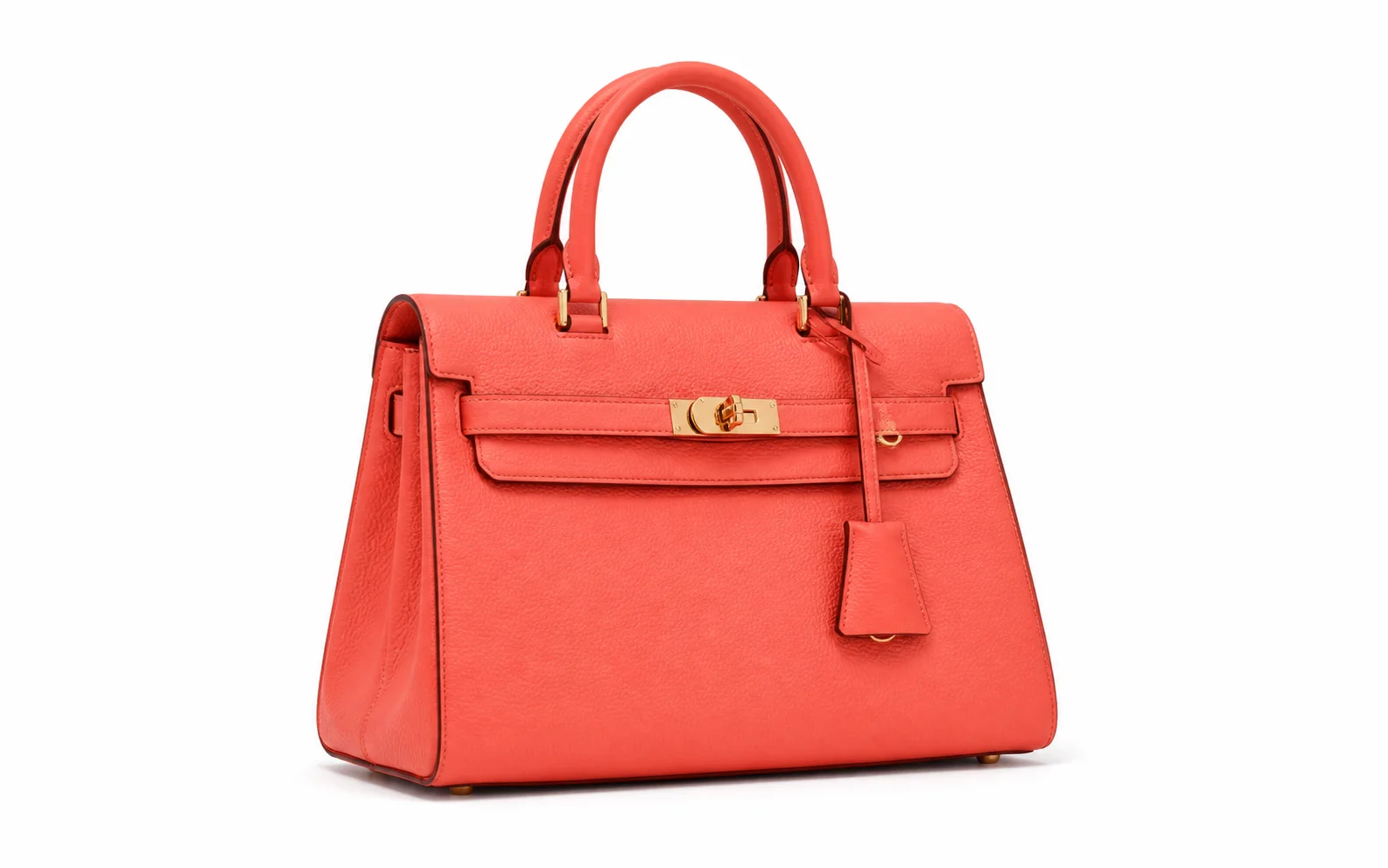
White Background Generator
Place one product on a clean white background before adding it to a batch.

Background Remover
Create a transparent product cutout for another design or storefront.
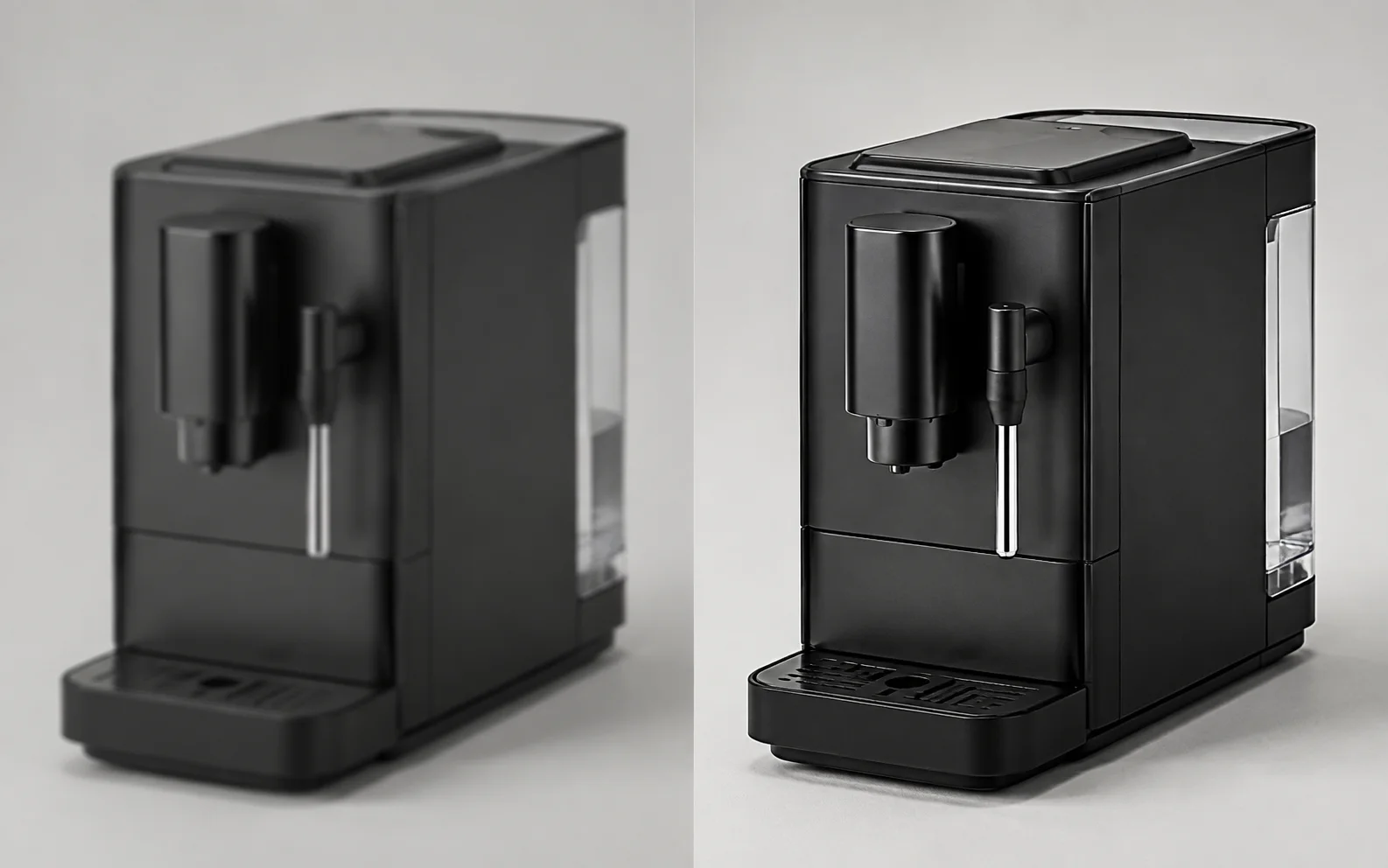
Image Enhancer
Correct soft detail and weak contrast in one product source image.
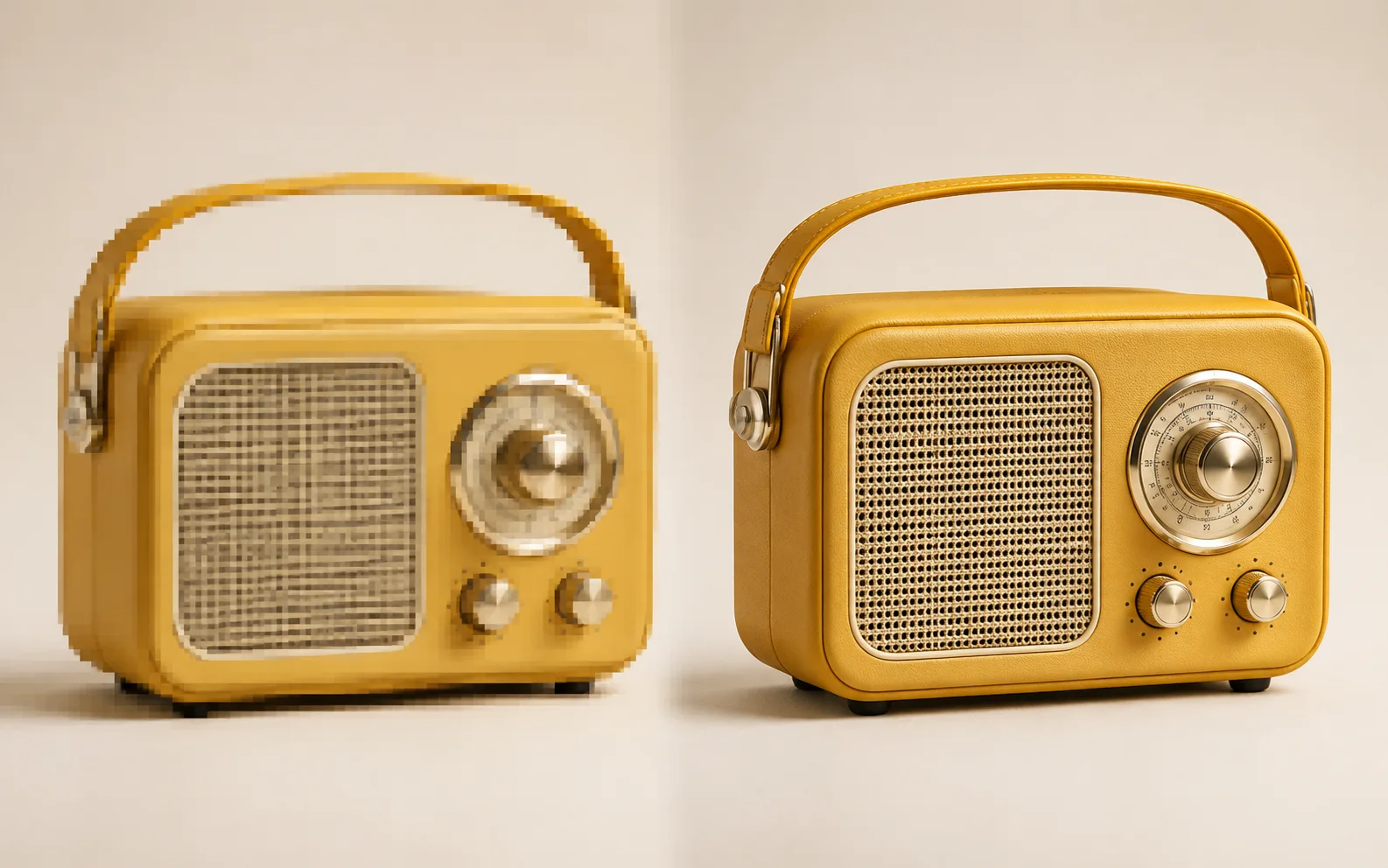
Image Upscaler
Increase the resolution of a small product image before processing it.