
How to translate audio
Use audio translator when the message is right but the language is wrong. Upload a recording with speech, pick the language it should speak, and get translated audio back. The pipeline transcribes the speech, translates the text, then regenerates it as audio in the target language. When you only need the words on paper, use Audio to Text instead.
- 01
Upload the recording
Choose the audio file that contains the speech you want to translate.
- 02
Choose the languages
Keep automatic detection for the spoken language, or set it yourself — then pick the language the result should speak.
- 03
Add context for the translation
Add names, brands, or specialist terms so the translation keeps them intact. Optional.
- 04
Translate and download
Start the translation, preview the translated audio, then download the file.
Why use Ezier for audio translation
Upload a recording, pick the target language, and download translated audio from one workspace.
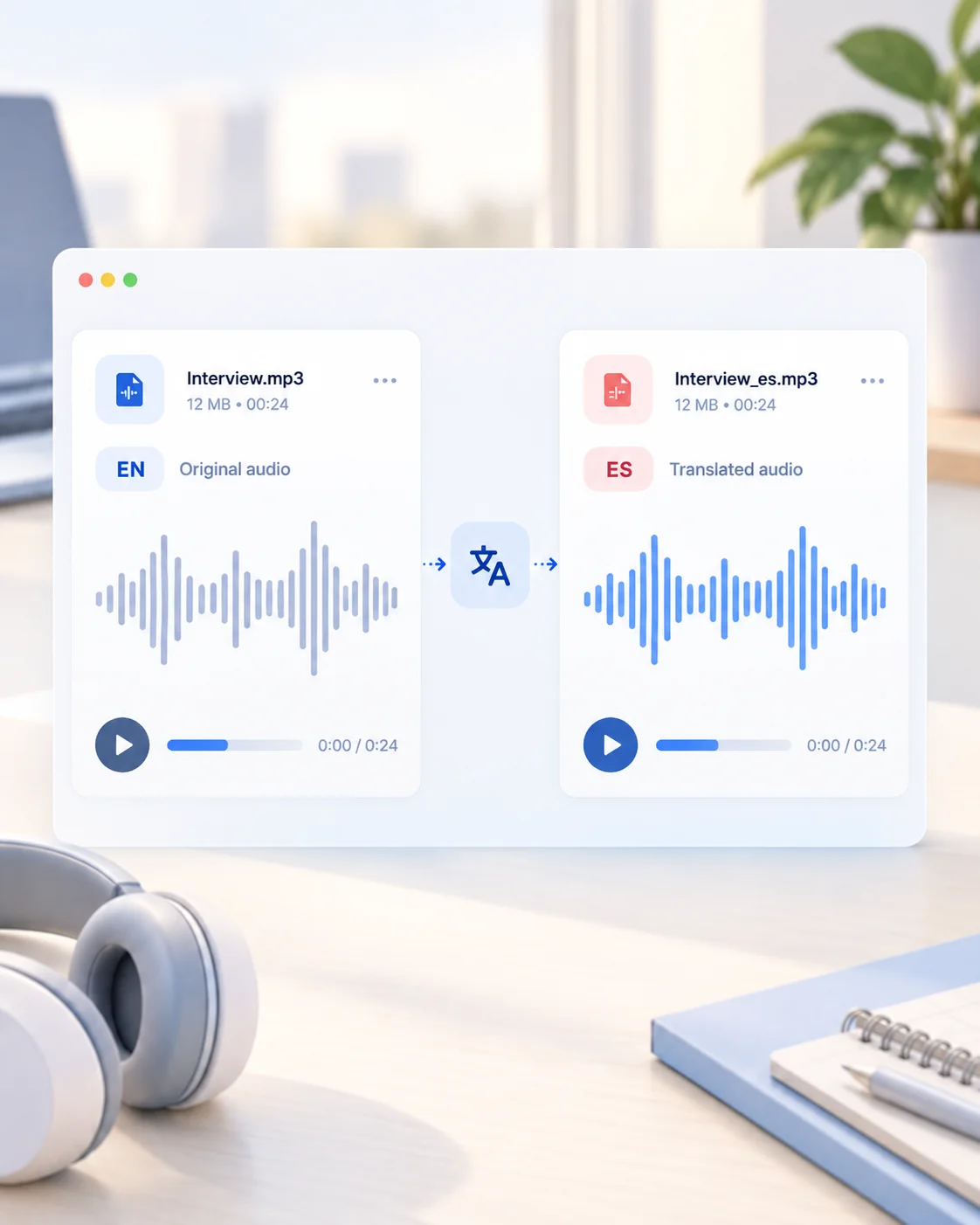
Translated audio, not just text
Get back a listenable audio file in the target language, ready to publish or share.
Automatic source detection
The spoken language is detected for you; set it manually only when you want control.
Context-aware translation
Add names and specialist terms before translating so they survive the language switch.
Connected audio workflows
Transcribe first with Audio to Text, or convert the file format before and after translation.
Hear English originals with Spanish translations
Play each English recording, then compare it with the matching Spanish translation.
Product voiceover
English original
Product voiceover (EN)
Transcript
Meet Ezier, your all-in-one AI audio toolkit. Turn text into natural speech, create audio in seconds, and bring every idea to life with ease.
Spanish translation
Product voiceover (ES)
Transcript
Conoce Ezier, tu kit de herramientas de audio con IA todo en uno. Convierte texto en voz natural, crea audio en segundos y da vida a todas tus ideas con facilidad.
Lesson narration
English original
Lesson narration (EN)
Transcript
Welcome to this lesson from Ezier. In the next few minutes, you'll learn key concepts clearly and efficiently through AI-powered audio narration.
Spanish translation
Lesson narration (ES)
Transcript
Bienvenido a esta lección de Ezier. En los próximos minutos, aprenderás conceptos clave de forma clara y eficiente con narración de audio impulsada por IA.
Conversational update
English original
Conversational update (EN)
Transcript
Hey, have you tried Ezier yet? Just type your text, choose a voice, and let Ezier turn your words into natural-sounding audio in seconds.
Spanish translation
Conversational update (ES)
Transcript
Oye, ¿ya probaste Ezier? Solo escribe tu texto, elige una voz y deja que Ezier convierta tus palabras en audio de sonido natural en segundos.
Tips for a cleaner translation
Clear speech, correct language selection, and a short list of must-keep terms improve the translated audio.
Start with clean speech
Use the clearest recording available. Background music, noise, and overlapping speakers make both transcription and translation harder.
Name the terms that must survive
Add people, brands, and specialist vocabulary in the translation note so they are carried over instead of translated literally.
Check the translation before publishing
Review names, numbers, and any culturally specific phrasing in the translated audio before sharing it.
Split long recordings
Break long recordings into shorter segments before translating. Shorter clips are easier to review and less likely to drift in long passages.
Audio Translator FAQ
How does audio translation work?
The AI transcribes the speech in your recording, translates the text into the target language, then regenerates it as spoken audio you can preview and download.
What is the difference between audio translator and audio to text?
Audio to text returns the words as an editable transcript. Audio translator returns translated audio in another language.
Which languages can I translate between?
The spoken language is detected automatically or set manually, and you choose the target language before translating. The available languages are listed in the translator.
Does the translated audio keep the original speaker's voice?
Not in the current version. The pipeline transcribes your audio, translates the text, then generates new speech — so the output uses an AI voice rather than cloning the original speaker. If voice cloning becomes available, it will appear as an explicit option before you generate.
Which audio file formats can I upload?
You can choose MP3, WAV, M4A, AAC, OGG, or FLAC files in the current uploader.
Do failed jobs consume credits?
No. Credits are only deducted when a translation completes successfully. If a job fails, nothing is charged and you can retry for free.
More audio workflows
Continue with the recording or translation
Transcribe the recording first, convert its format, or turn an edited script into new narration.
Text to Speech
Create new narration
Turn any script into natural spoken audio.
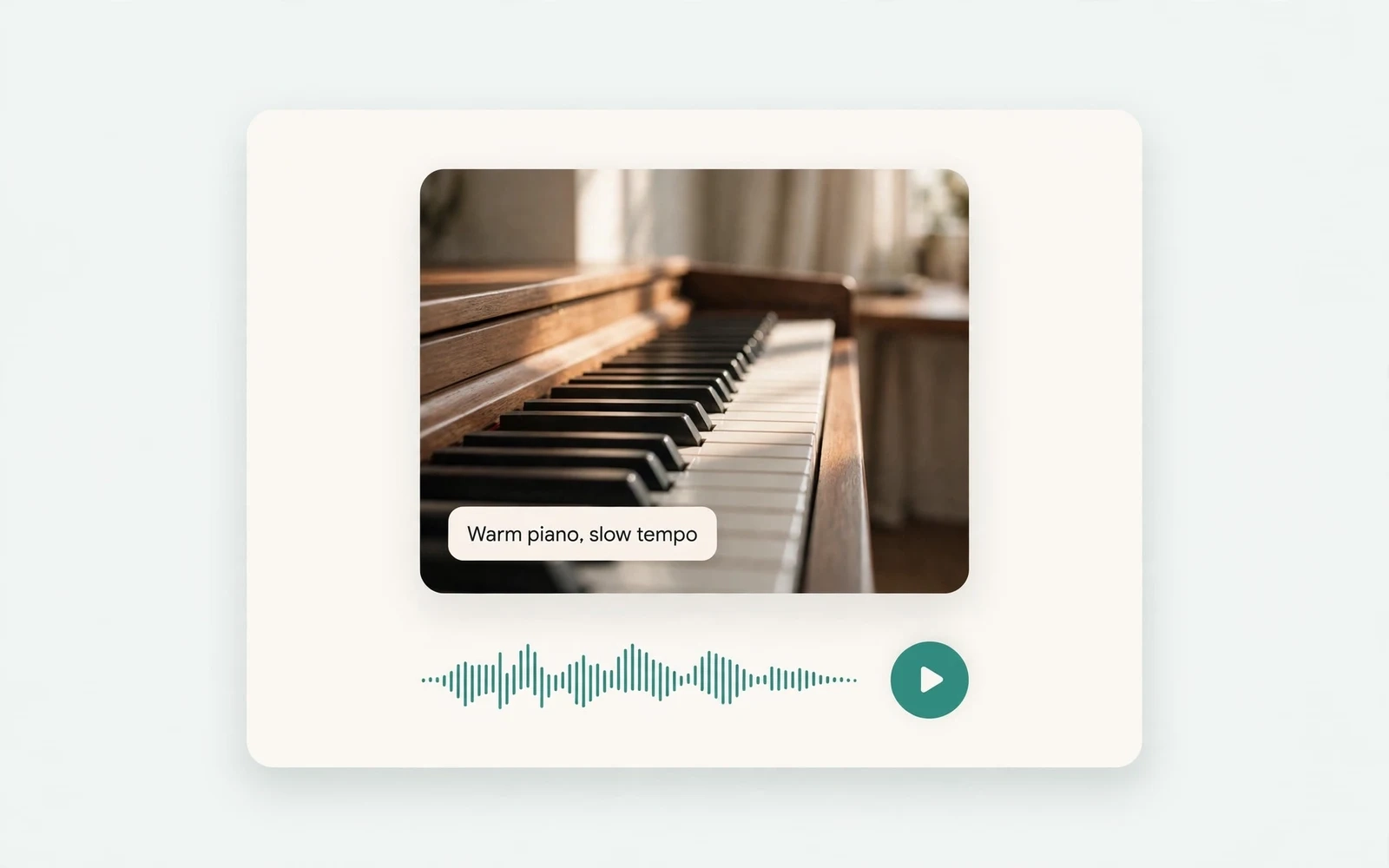
AI Music Generator
Generate instrumental music
Create instrumental tracks from a text prompt.
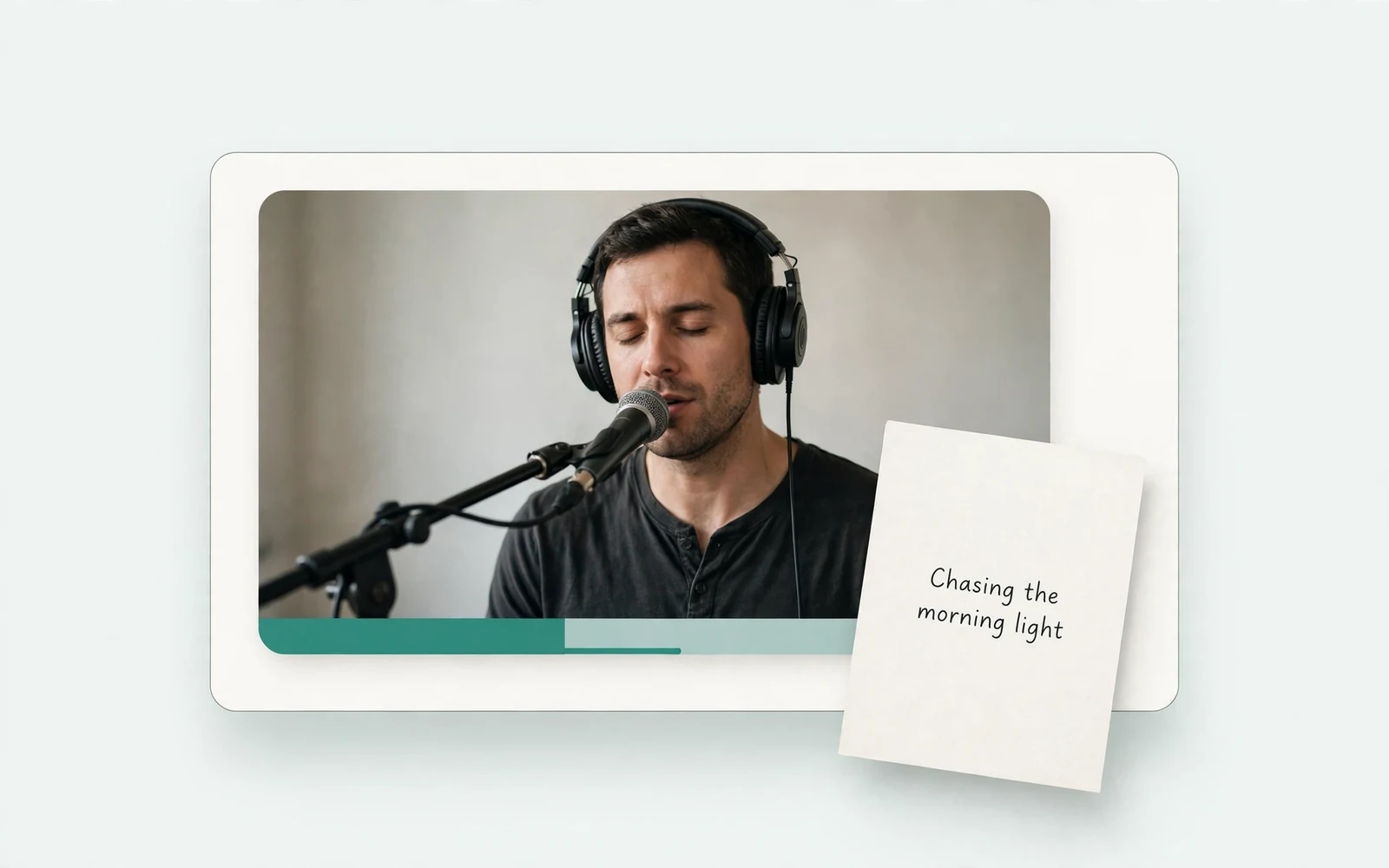
AI Song Generator
Add lyrics and vocals
Turn lyrics and ideas into complete songs.
AI Beat Maker
Build a beat
Build beats and grooves from a short prompt.
AI Voice Cloning
Create a custom voice
Replicate a specific real voice from a sample.
AI Voice Changer
Transform recorded audio
Transform a recording into a different voice.
AI Sound Effects Generator
Generate a sound effect
Generate any sound effect from a description.
Soundboard
Play sounds instantly
Trigger instant sound effects from a soundboard.
AI Voice Over
Narration workflows
Produce voiceovers for video and presentations.
Voice Over Advert
Ad and promo voiceovers
Create voiceovers tuned for ads and promos.
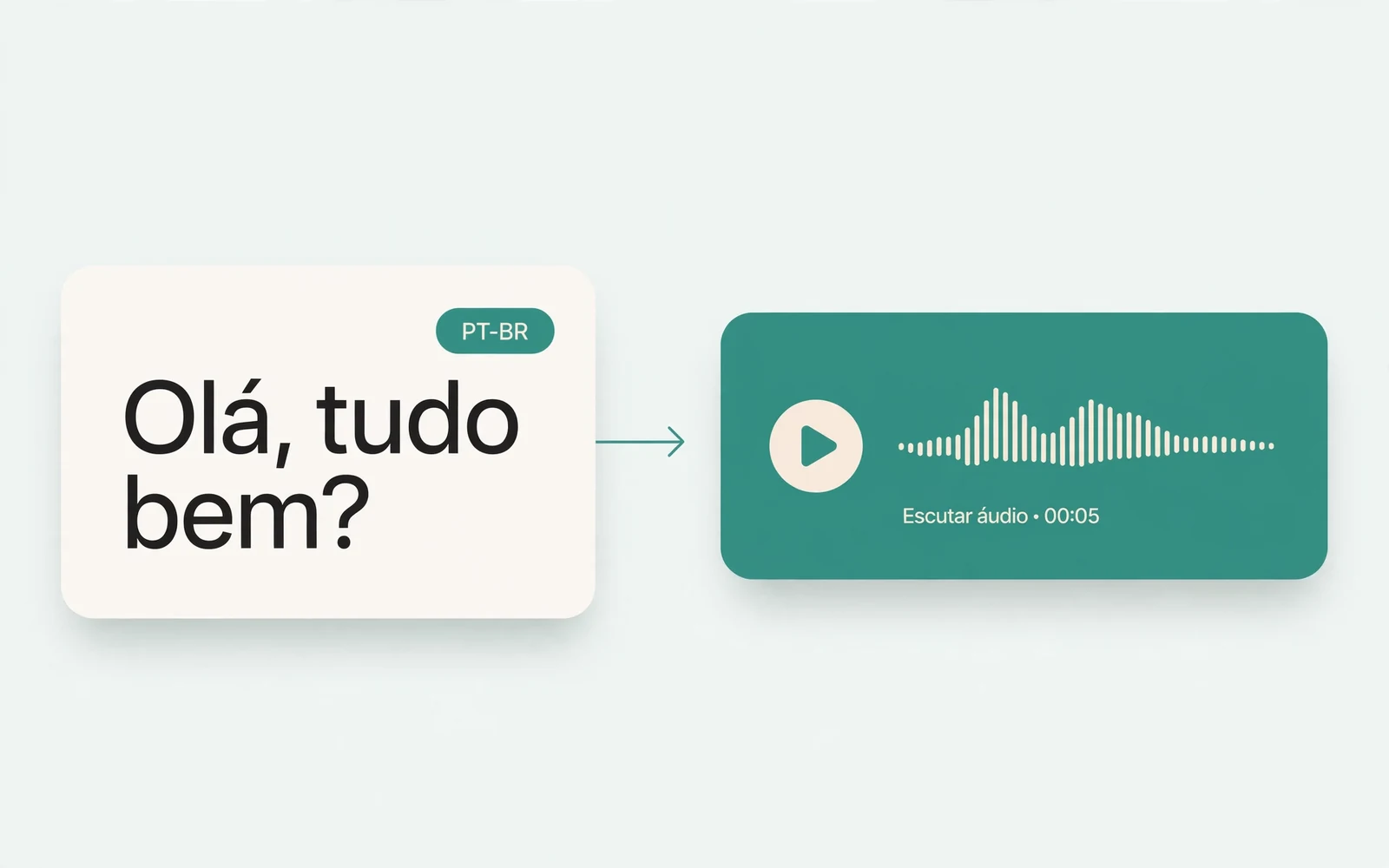
Portuguese Text to Speech
Portuguese speech
Generate natural Brazilian Portuguese speech.
British Accent Generator
British English voices
Convert text to British-accented English speech.
Anime Voice Changer
Anime character voices
Restyle a recording with an anime character voice.
Girl Voice Changer
Young feminine voices
Convert a recording into a young feminine voice.
Audio Converter
Convert an audio file
Convert audio files between formats.
MP4 to MP3 Converter
Extract audio from MP4
Extract the audio track from an MP4 video.
MOV to MP3 Converter
Extract audio from MOV
Extract the audio track from a MOV video.
Audio to Text
Transcribe a recording
Transcribe any recording into text.
English to Hindi Voice Translator
English to Hindi audio
Turn English speech into Hindi audio.
Translate English to Tamil Audio
English to Tamil audio
Turn English speech into Tamil audio.
Hindi to English Voice Translation
Hindi to English audio
Turn Hindi speech into English audio.
AI Voice Generator
Design a new voice
Design a brand-new voice from a description.