
Rap Duo AI That Turns Two Photos Into a Rap Video
Upload one photo of you and one of a friend, pick a stage, and get a vertical video of you two rapping an original song, with lyrics, vocals, beat, and lip sync in one go.
Sample rap videos
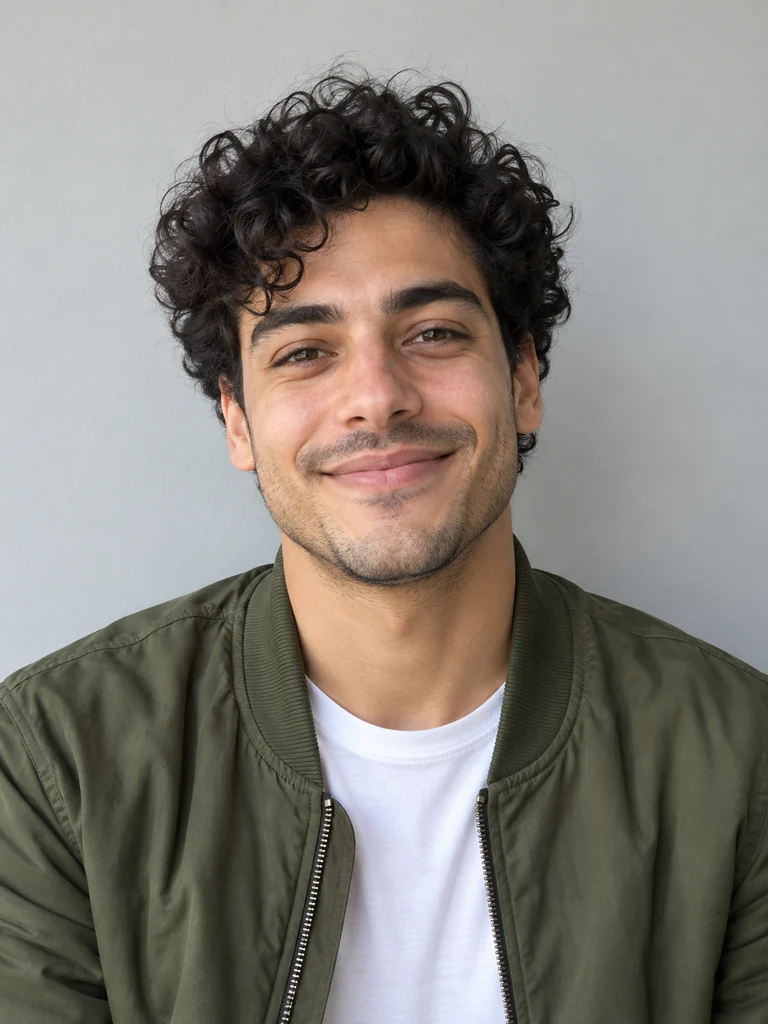
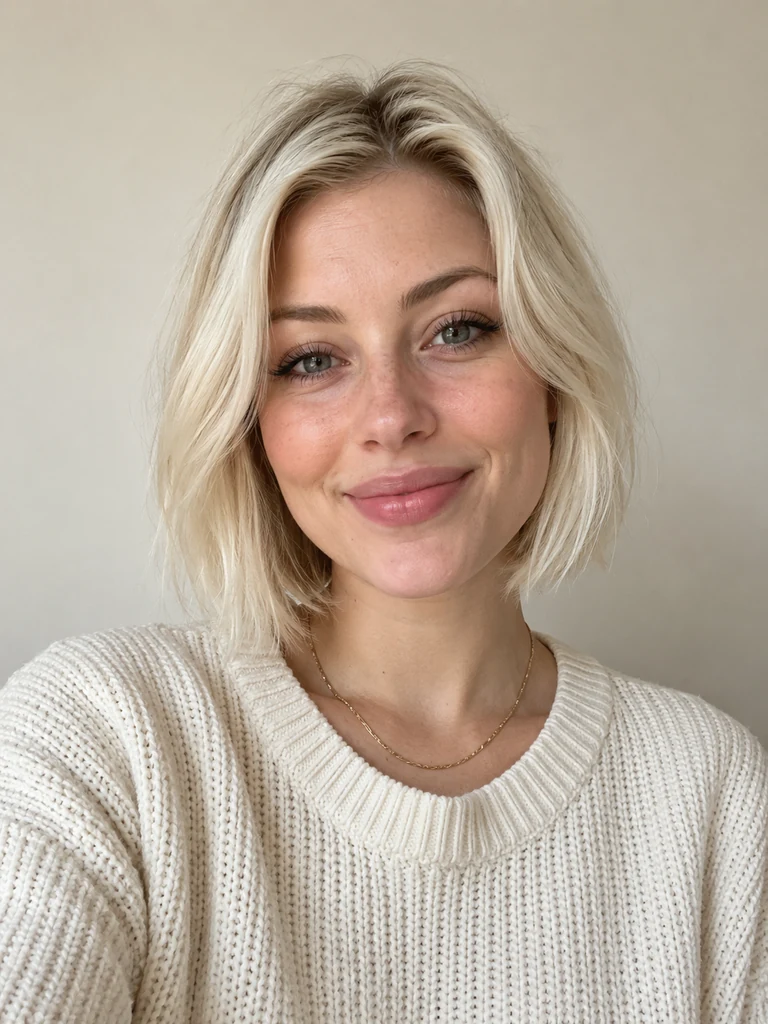
How to make a rap duo video with AI
- 01
Upload two photos
Add one clear photo of each person, or one photo with both of you in it.
- 02
Pick a stage and a theme
Choose from four stages, then add a theme like a birthday or an inside joke. Leave it blank for a classic duo anthem.
- 03
Make, watch, and share
Ezier writes the lyrics, produces the beat and vocals, and syncs both faces. Download the 9:16 video for TikTok, Reels, or Shorts.
Rap duo ideas people love to share
Pick an idea to drop its theme into the workbench, then add your photos.
Best friends
Turn years of inside jokes into a verse you can post in the group chat.
“Why we are the best duo in the group chat”
Couples
Settle who does the dishes, who picks the movie, and who texts back slower.
“Who really forgot to do the dishes”
Birthday surprises
Send a birthday verse with the guest of honor's name in it instead of another card.
“A birthday rap for Jake turning 30”
Family and coworkers
Grandpa and grandkid, two siblings, or the two people who keep the office running.
“The two people who keep this family running”
Why make your rap duo video with Ezier
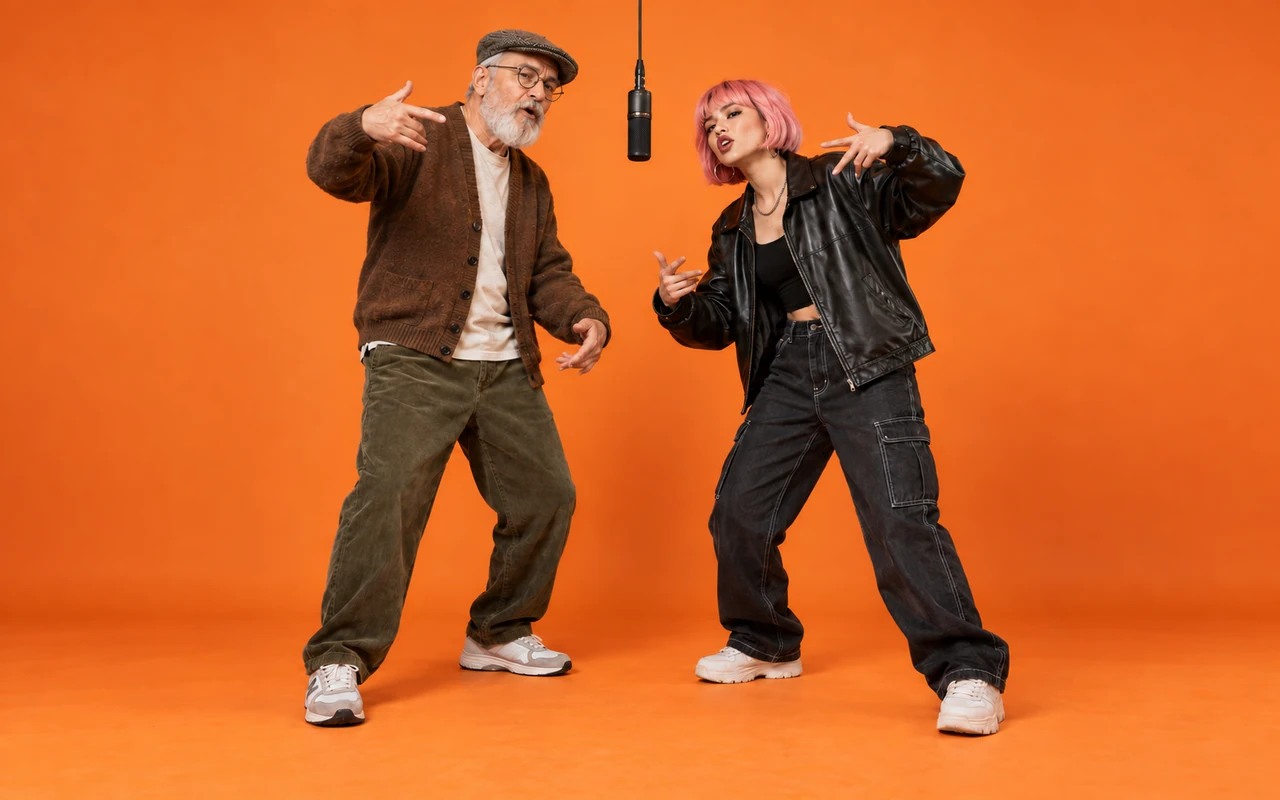
Two people stay two people
Each photo guides one rapper, so faces, hair, and outfits stay separate instead of blending into one, even when the two of you look nothing alike.
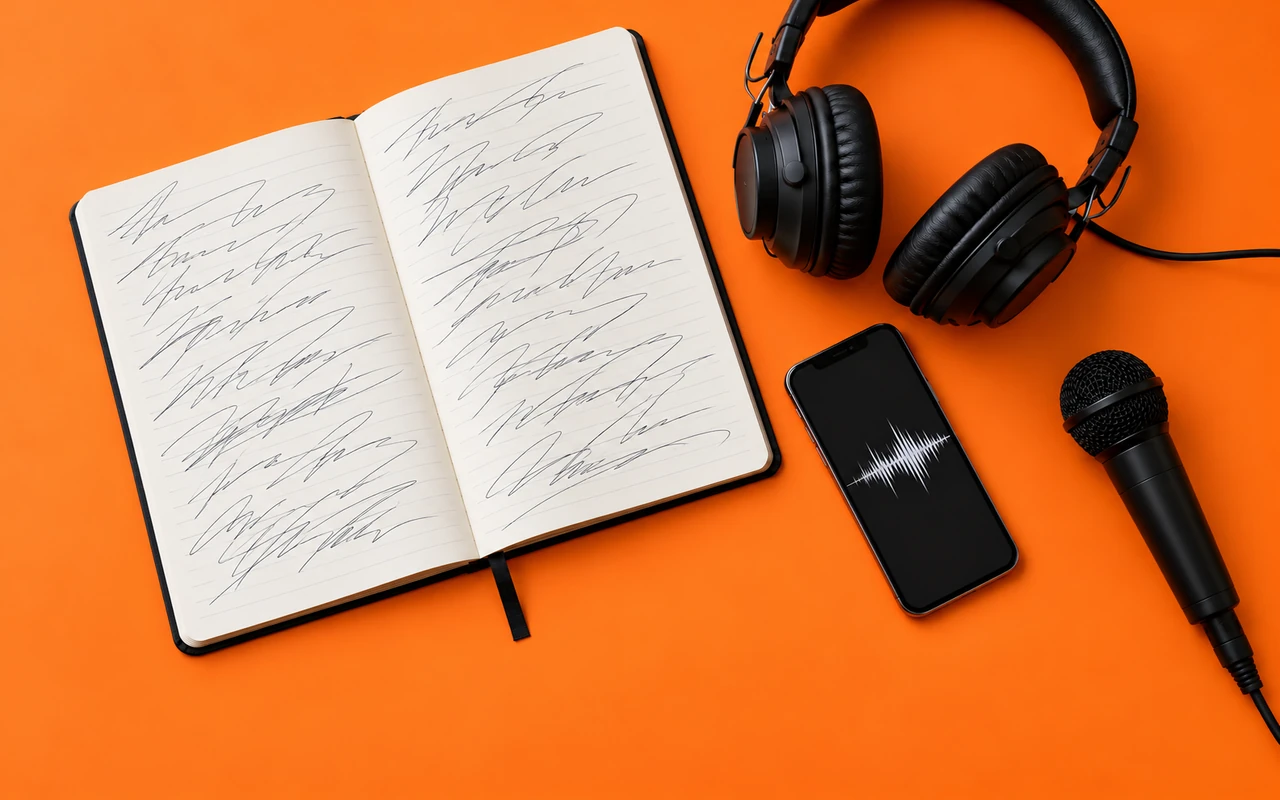
A full song from one tap
Original lyrics, vocals, beat, and lip sync come back together in one video. No prompt writing and no audio editing.
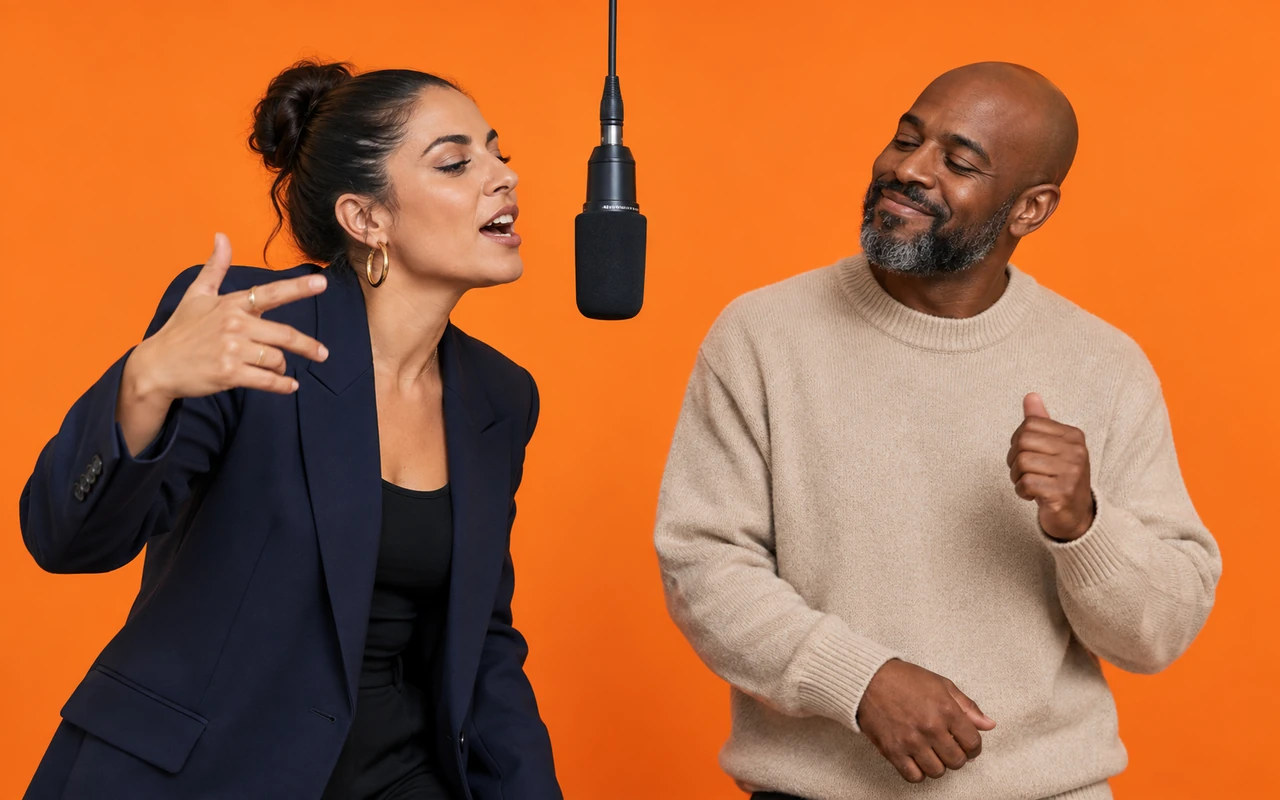
Trade verses like a real duo
Lines pass back and forth at one hanging mic, with call-and-response timing that sells the chemistry.
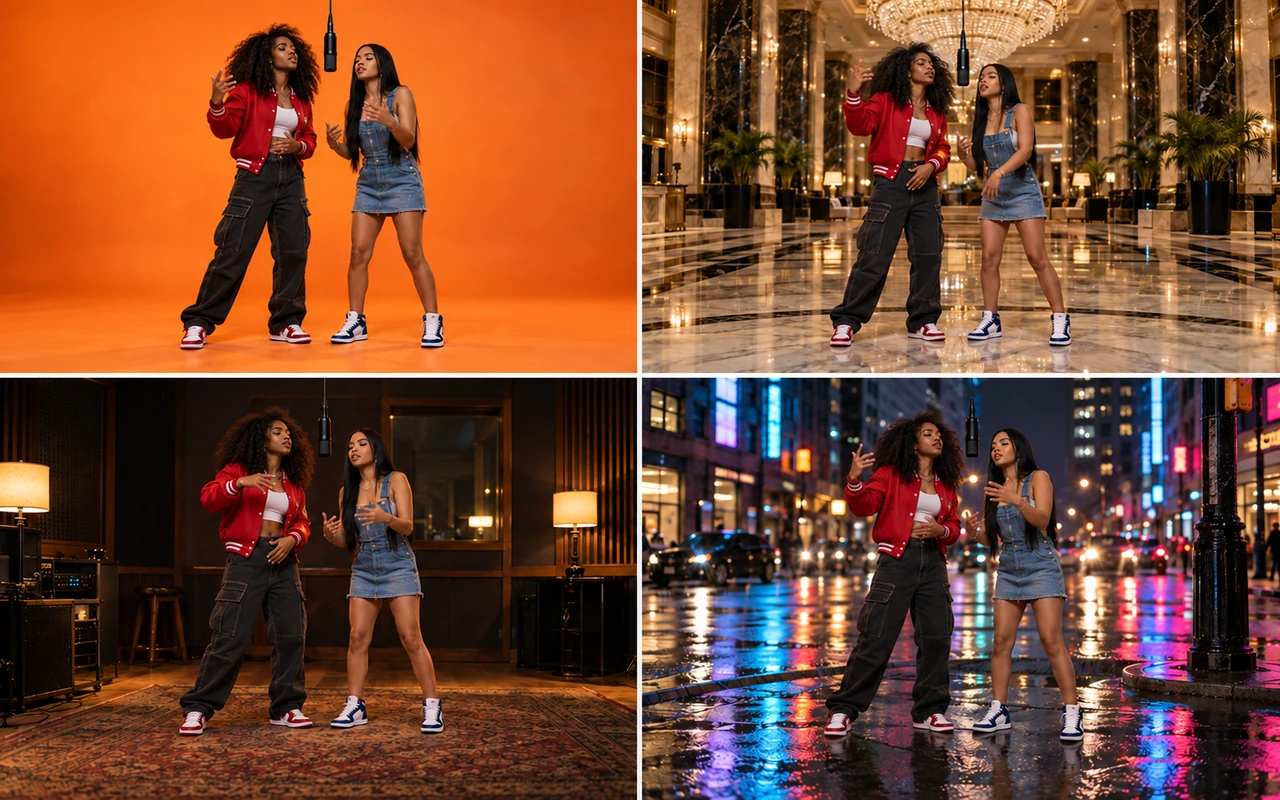
Four stages, one locked shot
Choose the orange booth, a luxury lobby, a studio booth, or a street cypher. The camera stays fixed and both of you stay in full view.
Tips for better rap duo photos
The photos decide how recognizable each rapper looks. A minute of prep saves a second try.
Face the camera
Front-facing photos with both eyes visible give the lip sync the clearest mouth shapes to work with.
One person per photo
Crop out other people. In one-photo mode, make sure both faces are clear and neither is turned away.
Good light, no heavy filters
Even daylight works best. Beauty filters, sunglasses, and hands near the face make identities harder to keep.
Different looks read better
Distinct outfits and hairstyles make the call-and-response easier to follow and keep the two rappers from blending.
Following the orange booth trend?
The Migos AI Video Maker has the trend's orange booth built in, plus what to know before you post your version.
Rap Duo AI FAQ
Answers about photos, lyrics, stages, languages, and credits. See pricing
What is Rap Duo AI?
Rap Duo AI turns two photos into a short vertical video of both people rapping an original song together at one microphone, with lyrics, vocals, beat, and lip sync made for you.
How does it work?
Upload a photo of each person, pick a stage, and add a theme if you want one. Ezier writes the lyrics, produces the beat and vocals, and animates both faces in sync. Then you watch and download the video.
What photos work best?
Clear, front-facing photos with even light, one person per photo, and no sunglasses or heavy filters. Different outfits and hairstyles help keep the two rappers distinct.
Can I use one photo with both of us in it?
Yes. Switch to "One photo of both" and upload a photo where both faces are clearly visible side by side.
Do I need to write lyrics or pick music?
No. Ezier writes original lyrics around your theme and produces the beat and vocals. If you leave the theme blank, the duo raps about being the greatest duo in the game.
Which stages can I choose?
Orange Booth, Luxury Lobby, Studio Booth, or Street Cypher. Every stage keeps one hanging mic, both rappers in full view, and a locked camera.
Which languages can the rap be in?
Choose English, Spanish, Portuguese, French, German, or Japanese, or pick Auto to match the language you write your theme in.
How long is the video, and what format is it?
You get a short vertical 9:16 video, about 10 seconds long, sized for TikTok, Instagram Reels, and YouTube Shorts.
How many credits does one video use?
The exact amount shows on the Make our rap video button before you start. See the pricing page for plans and credit packs.
Why do the two faces sometimes look alike?
Photos with similar lighting, angles, and outfits can pull the faces together. Use two clearly different photos, keep each face large in the frame, and try again.
Can I use photos of other people or celebrities?
Only use photos of yourself or people who agreed to be in the video. Do not upload celebrity photos or try to copy a real artist's song, voice, or choreography.
What if I don't like the result?
Adjust the theme, stage, or language on the left, then use the generate button there to make another version without uploading your photos again.
Two photos. One original rap video.
Upload you and your duo partner, pick a stage, and get a finished rap video to share.
Keep creating
More ways to make your next video
Try the other rap format, animate a photo, or edit your finished clip.
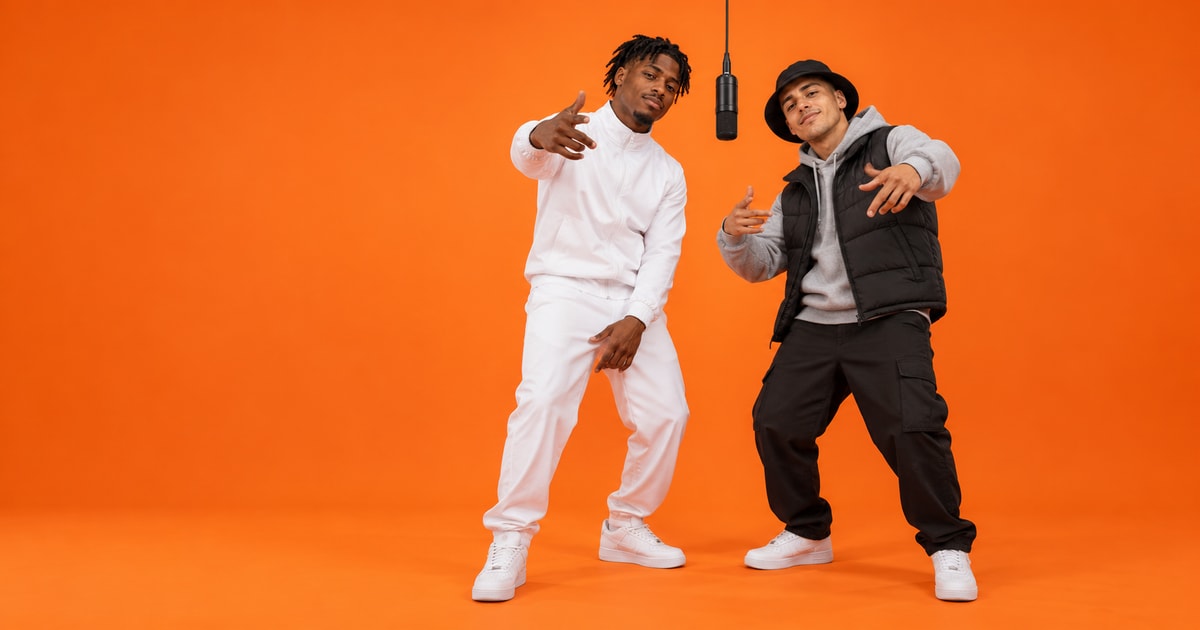
Migos AI Video Maker
Try the orange booth
Make your own version of the orange booth trend with your duo.
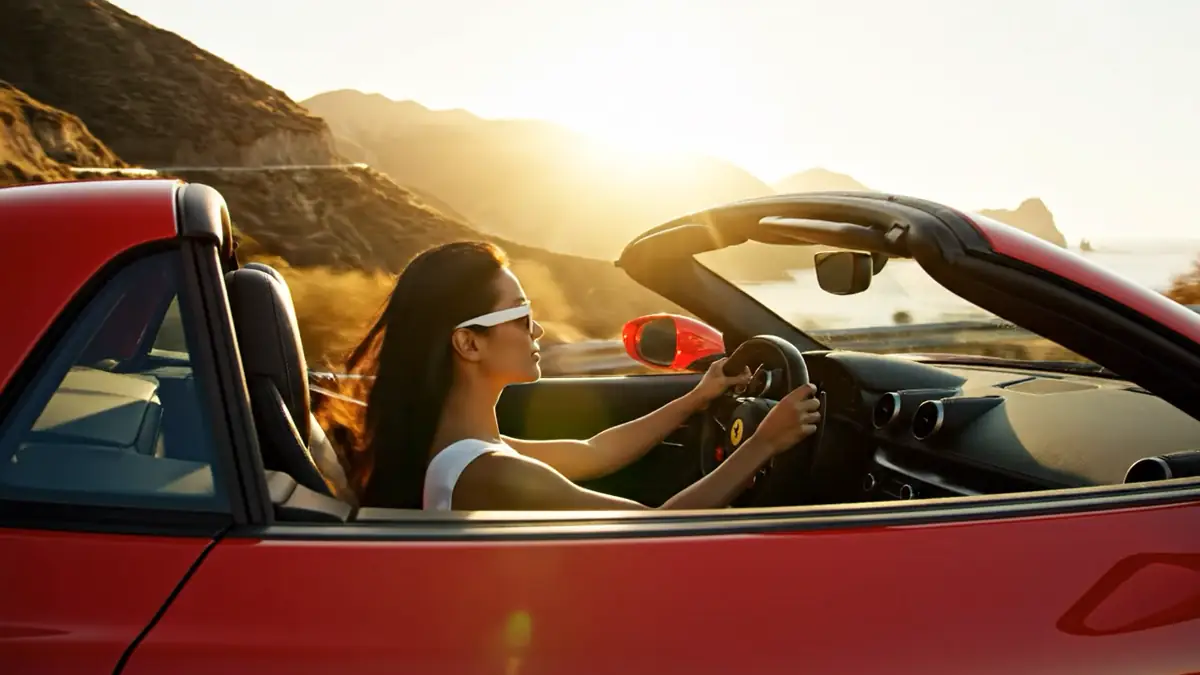
Lip Sync AI
Sync speech
Match mouth movement to new audio.
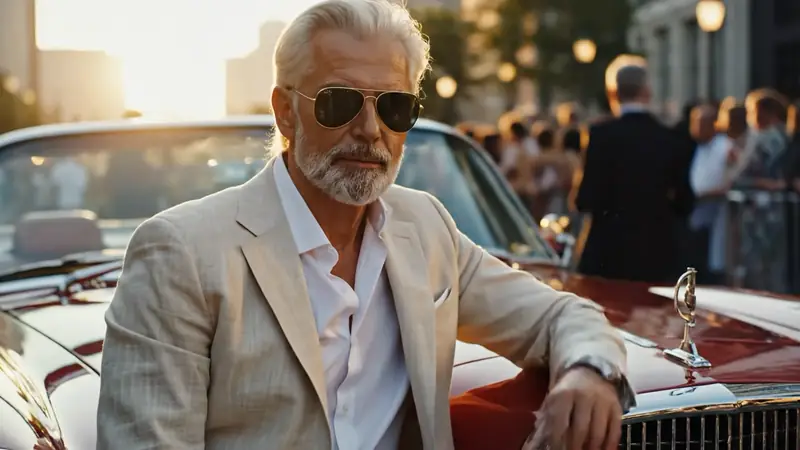
Image to Video
Animate a still
Turn an image into a short clip.
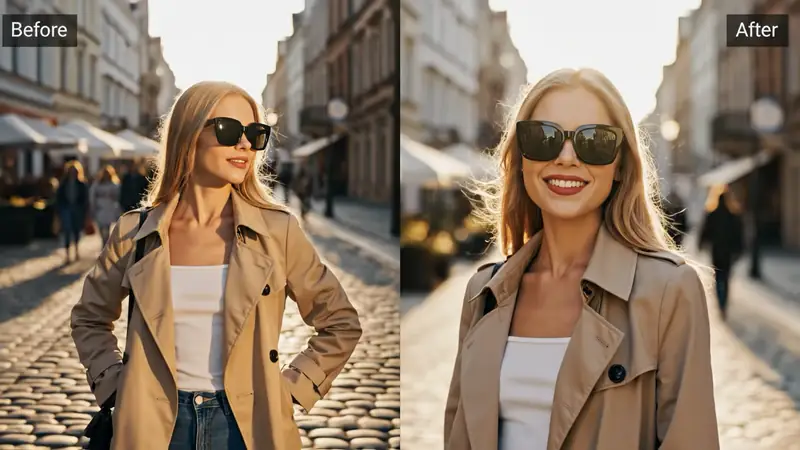
AI Video Editor
Edit with prompts
Revise a clip without a timeline.
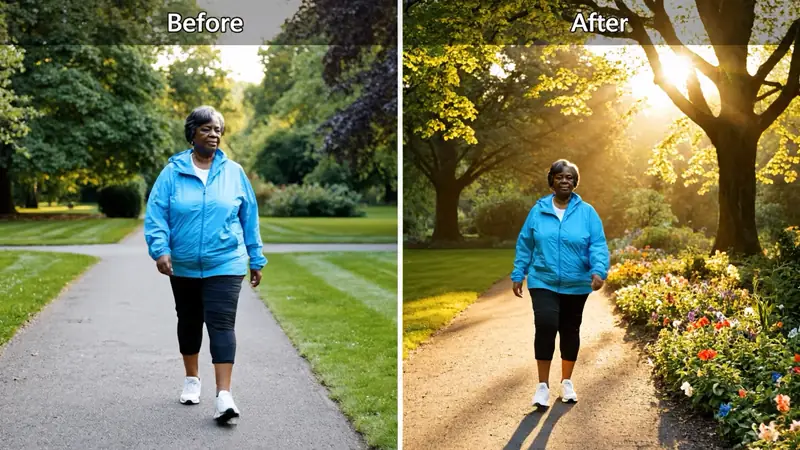
Video to Video
Restyle footage
Change the look of an existing clip.
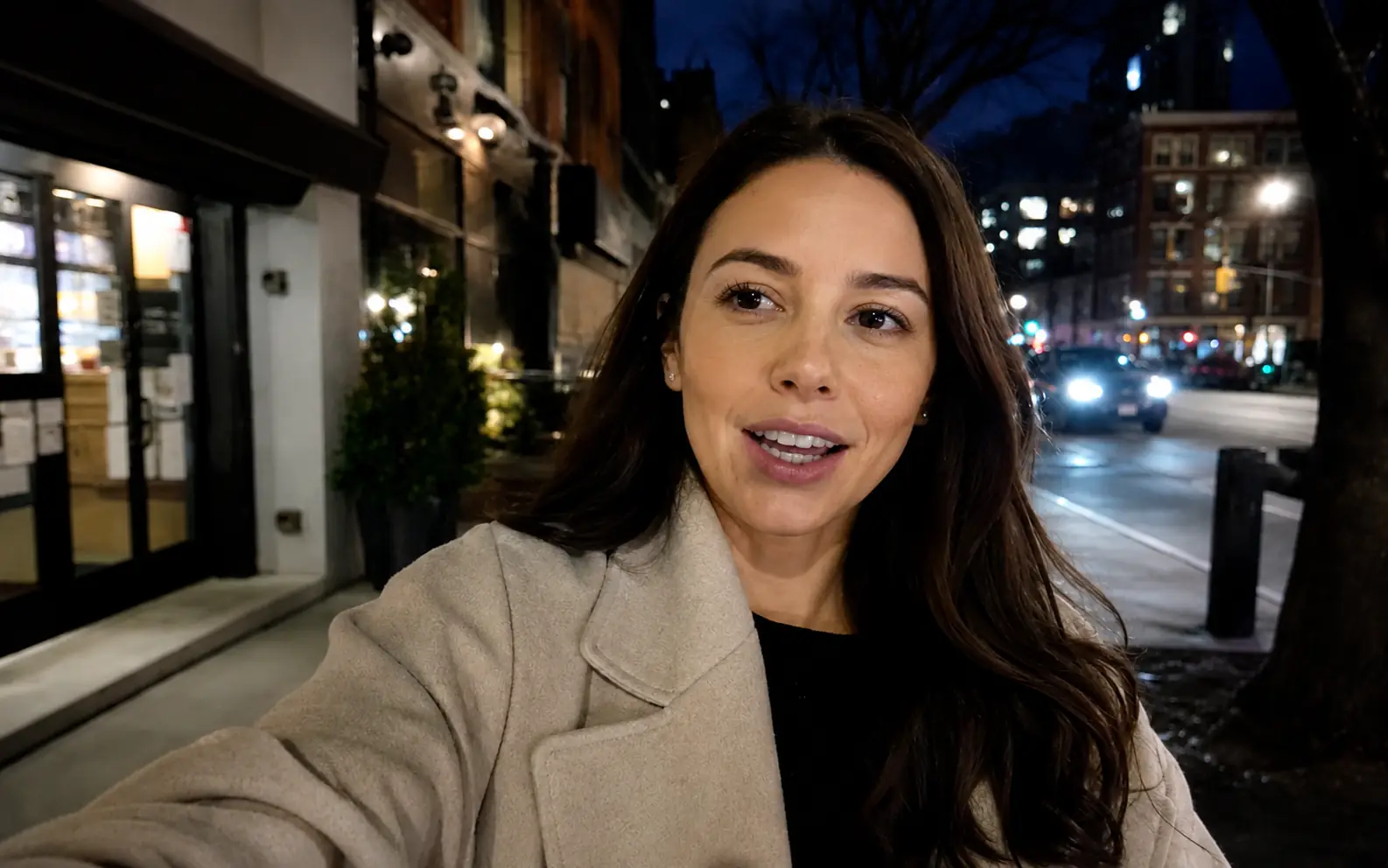
Video Enhancer
Improve quality
Sharpen, denoise, and restore clips.